


How It Started
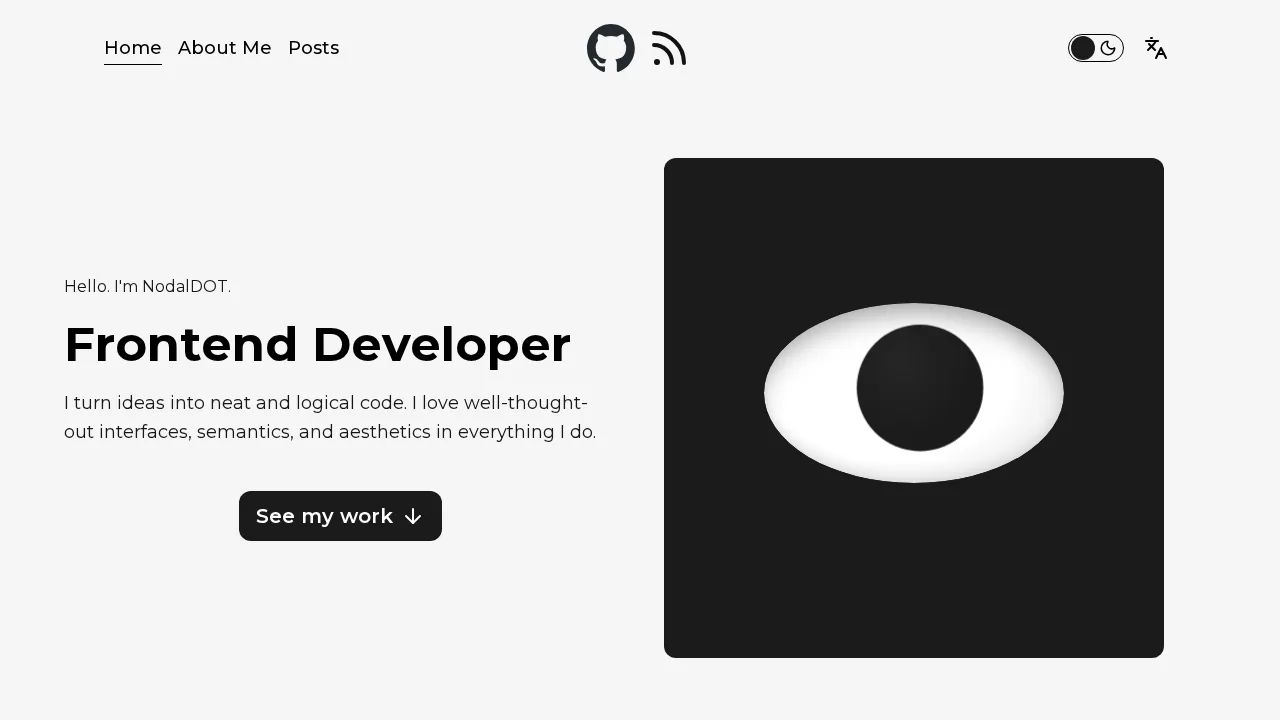
I decided to build this project with one rule: no ready-made UI kits, no templates - everything from scratch.
Stack
This article describes the project's early version. The stack below reflects that version, not the site's current dependency versions. The About page now has an eye illustration and a grid of technology links in place of the Three.js globe.
The choice of technologies was simple - lately I've been getting into the Next.js documentation, which is what pushed me to build my own site on it.
| Layer | Technology |
|---|---|
| Framework | Next.js 15 (App Router) |
| UI | React 19 |
| Language | TypeScript 5 |
| Styles | Sass + CSS Modules (BEM) |
| i18n | next-intl - EN + RU |
| Content | MDX + gray-matter |
| 3D | Three.js |
| Animations | GSAP |
| Carousel | Swiper |
| Icons | Lucide React |
Architecture: Feature-Sliced Design (almost)
At first I thought FSD was a magic wand that would solve all of my problems around where components should live. As it turned out later, the project doesn't have all that many business entities, and that ended up being more of a burden than any real DX win. Looking back, I think FSD isn't the methodology you should reach for in a small blog app.
Here's how it's laid out:
app/       → routing, providers, global SEO metadata
widgets/   → Header, Footer, PostsFeed - autonomous UI blocks
sections/  → page sections
features/  → interactive logic (posts filter with debounce)
entities/  → Post model and API (reads MDX from the filesystem)
shared/    → UI kit, utilities, i18n config
What Makes the Project Interesting
3D Skills Globe (Three.js)
In the earlier version, the skills section on the About page used a custom Three.js scene: a sphere of technology icons built from SVG textures mapped onto sprites. That globe is no longer the current skills interface.
The interaction described here belongs to that earlier implementation: hovering a node highlighted its connections to the nearest neighbors via arc geometry, and clicking smoothly rotated the globe toward the target node.
The original implementation also described these performance controls:
prefers-reduced-motiondisabled animation on accessibility request- Battery API paused animation when charge dropped below 20%
- Low
hardwareConcurrencyordeviceMemoryalso reduced load
These controls refer to the historical globe, not the current eye and technology-link grid. In the current section, the eye responds to pointer movement and to hovering or focusing technology links.
Animated Career Timeline
The "My Journey" section on the About page uses a scrubbed GSAP ScrollTrigger animation to drive a progress bar and a floating ball between career milestones as the user scrolls. Resize recalculates positions through a shared debounce utility.
Page Transitions
PageTransitionProvider renders a full-screen loader via a React portal. Navigation calls startTransition(href) instead of a direct link - the loader has time to appear before the new route renders.
Posts with Live Search and Publication Order
Posts are shown from newest to oldest by publication date. Search input is debounced (300 ms) via the useDebounce hook, so filtering runs after a pause in typing and preserves the publication order.
i18n
Every visible string lives in src/shared/i18n/locales/en.json and ru.json. Nothing is hardcoded in components - not labels, not aria attributes, not placeholders. next-intl handles locale detection, routing (/en/... and /ru/...) and message loading.
SEO
Each page generates its own Metadata object through a shared createPageMetadata utility: canonical URLs, hreflang alternates for both locales, Open Graph tags, and a full set of favicons.